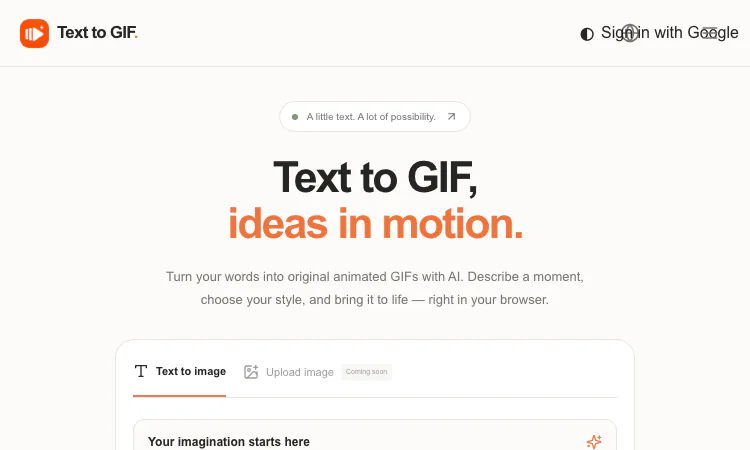
Designers have a complicated relationship with motion. Clients want it, feeds reward it, style frames beg to move — but the distance between a static concept and a finished loop usually runs through After Effects or a motion freelancer. Text to GIF offers a third path: an AI GIF generator that renders written descriptions into original looping animations — with frame-level control, five output formats including real vector SVG, and quality settings up to 4K — from a single browser workspace. Think of it as a sketching tool for motion: fast, disposable in the best sense, and surprisingly configurable.
Text to GIF is not a replacement for your motion suite, and it does not pretend to be. What it replaces is the dead zone between "idea in my head" and "something moving I can react to." Style-frame exploration that used to require a timeline and an afternoon now takes a sentence and about a minute. Use it for motion ideation before committing to production; for lightweight deliverables that do not justify a motion designer; for pitch materials where a rough-but-charming loop beats a static comp; and for real output when the use case is small — UI accents, empty states, social stickers, decorative loops — and polished-enough beats pixel-perfect.
The control surface maps well onto design thinking:
That last line deserves emphasis for design audiences: the SVG mode produces genuine vector output — icons, logos, flat illustrations that scale without rasterization. A prompt-driven vector generator bundled into a GIF tool is unusual, and it makes the workspace a legitimate companion for logo sketching and icon exploration, not just motion.
The process is: describe, configure, generate and download. The prompt field accepts up to 4,000 characters — enough for real art direction: subject, illustration style, palette mood, camera feel, and motion description in one brief. The product's own advice is sound for creative work: put the subject, the style, and the movement into the prompt, and explicitly request a seamless loop when the animation must cycle invisibly. Generation cost (in credits) is displayed before submission, and failed renders are refunded — so exploratory sessions carry near-zero risk.
No subscription exists; credit packs are one-time, from $10 (Starter) through Creator ($20) to Studio ($50). Costs scale with quality, resolution, format, and frame count, disclosed upfront on every generation. For a freelance designer, this behaves like buying materials, not software: spend when a client job needs assets, spend nothing between projects. For studios, the Draft-to-Maximum ladder means junior staff can explore freely at low cost and only senior-approved concepts consume Maximum-tier credits.
Treat the prompt like a brief to a junior animator. Specify: the subject and its attitude; the illustration style ("flat vector," "grainy 2D," "isometric"); the motion ("gentle bobbing," "continuous spin," "seamless loop with no visible restart"); and the mood. Iterate at Draft with 6–8 frames; adjust timing before adjusting artwork, since timing changes read more dramatically than detail changes. Re-render winners at Maximum in the final aspect ratio. Expect variation between runs — that is inherent to generative output, and the product itself advises inspecting results before publishing. The variance is also useful: sometimes run three of the same prompt and cherry-pick, the way you would review thumbnail sketches.
Input is text-only today; image upload and image editing are marked "coming soon," so you cannot yet feed a brand asset for animation — art direction happens entirely through words. Sixteen frames caps loop length, so narrated or long-form motion remains out of scope. Latency varies with settings and provider demand. And for commercial deployment, the FAQ correctly assigns rights review — provider terms, trademarks, likenesses — to the user. Within those limits, though, the tool is honest and predictable: no watermarks, original files, deterministic pricing.
Picture where Text to GIF lands in client work. Rebrand discovery: before any motion budget exists, Text to GIF can render three candidate motion attitudes — "calm floating," "snappy geometric," "organic blooming" — as Draft-tier loops for the first client meeting. Product launch: the site needs five small accents — hero underline, empty state, success check, loader, footer flourish — and Text to GIF generates each at the exact ratio, in both loop directions for A/B testing, at a credit cost visible in the invoice. Editorial design: a long-read header wants restraint; a Maximum-tier Text to GIF render at 8 frames and slow timing delivers it. Across all three engagements the deliverable is small, the budget modest, and the perceived value of motion large — the precise pocket where Text to GIF outcompetes both the static compromise and the motion studio. Studio leads can standardize on it: Text to GIF loops for motion sketches, its SVG mode for vector exploration, one prompt lineage feeding both. In short, Text to GIF occupies the sketching tier of motion design — and that tier runs daily.
As a motion-sketching surface with a vector side-hustle, Text to GIF earns its place next to your other idea-generation tools. It compresses the distance from concept to moving image, keeps costs transparent and episodic, and — uniquely in this category — lets the same prompt lineage deliver GIF, SVG, PNG, WebP, or JPG at whatever ratio the layout demands. For the next project where "it should feel alive" but the budget says "it should be cheap," open Text to GIF and brief the machine the way you would brief yourself. And when the deliverable is a scalable mark rather than a loop, the SVG side of Text to GIF is already waiting in the same workspace.
Flying Roadster AI Video Generator takes a car photo on a cinematic journey, with optional portrait, vertical or widescreen framing, and downloadable results.
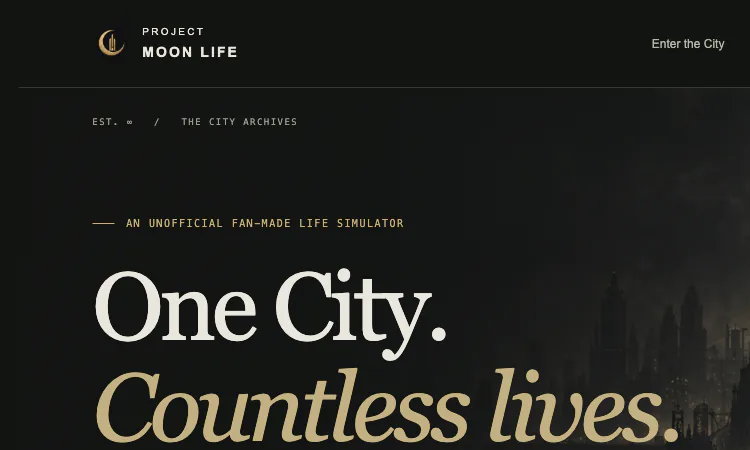
Project Moon Life is a free browser journey through a changing City, where each randomized life follows a different route shaped by your choices.
Flower Wand Garden is a free, browser-based interactive camera experience that turns your fingertip into a virtual magic wand.
Seven free football mini-games in one browser hub — career sims, legend guessing, squad building, and a daily challenge that is identical for everyone.
Get an instant, fully in-browser PSL rating from one photo — nothing uploads anywhere, and you receive a score, tier, breakdown, and share-ready card.
Recreate the hidden band of a world flag with HSB sliders while the preview updates live — five rounds a game, scored by perceptual color distance.